M5 Display for Inductive Probes
Industrial touchscreen display for 2 inductive sensors
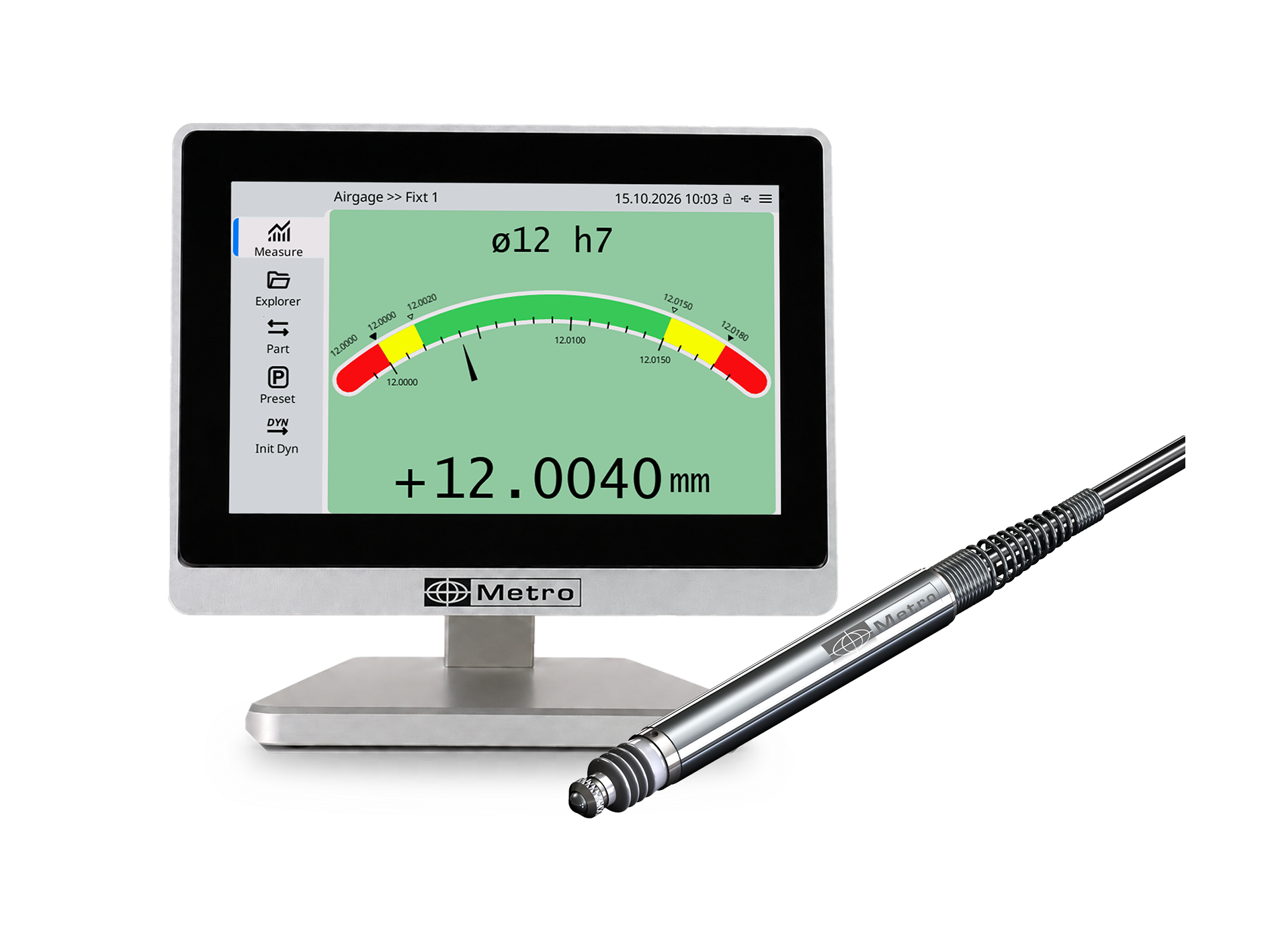
The M5 inductive version features a 5-inch touchscreen displaying up to 3 characteristics at once, with color-coded tolerance indicators. It is compatible with Metro, Tesa, Mahr, Marposs, Peter Hirt and Orbit® probes, and manages 10 programs in memory along with sorting into 16 configurable classes.
On the connectivity side, it offers USB and RS232 (ASCII/Modbus RTU) ports, plus direct compatibility with Sylvac Bluetooth and USB Sylvac, Tesa and Mahr instruments, with no additional module required. It adapts to both simple applications and complex multi-sensor inspection.
The M5 inductive version is a state-of-the-art industrial touchscreen display designed to perform complete dimensional inspection using 1 or 2 inductive probes. Compatible with the leading brands on the market: Metro, Tesa, Mahr, Marposs, Peter Hirt, and Orbit®. It simultaneously displays up to 3 characteristics with color-coded tolerance indicators for instant readability.
Simple to configure, it adapts to both the simplest applications and the most complex multi-sensor inspections, from turned-part inspection to precision watchmaking. It also communicates directly with Sylvac, Tesa, and Mahr Bluetooth and USB instruments, with no additional interface module required.
- 5-inch color capacitive touchscreen (800×480px)
- 2 measurement inputs (up to 4 via external M-BUS modules)
- Up to 3 characteristics displayed simultaneously
- Compatible with Metro, Tesa, Mahr, Marposs, Peter Hirt, and Orbit® probes
- Digital, colored bar graph, and analog dial display
- 10 programs in memory, sorting into 16 configurable classes
- Mathematical functions: calculations between characteristics, trigonometry…
- Sylvac Bluetooth instruments (via USB dongle) and Sylvac, Tesa, Mahr USB instruments
- Temperature compensation via the MB-TP module
- USB-A/USB-C, RS232 connectivity (ASCII/QDAS or Modbus RTU)
- Compatible with barcode / QR code readers
- Administrator password protection
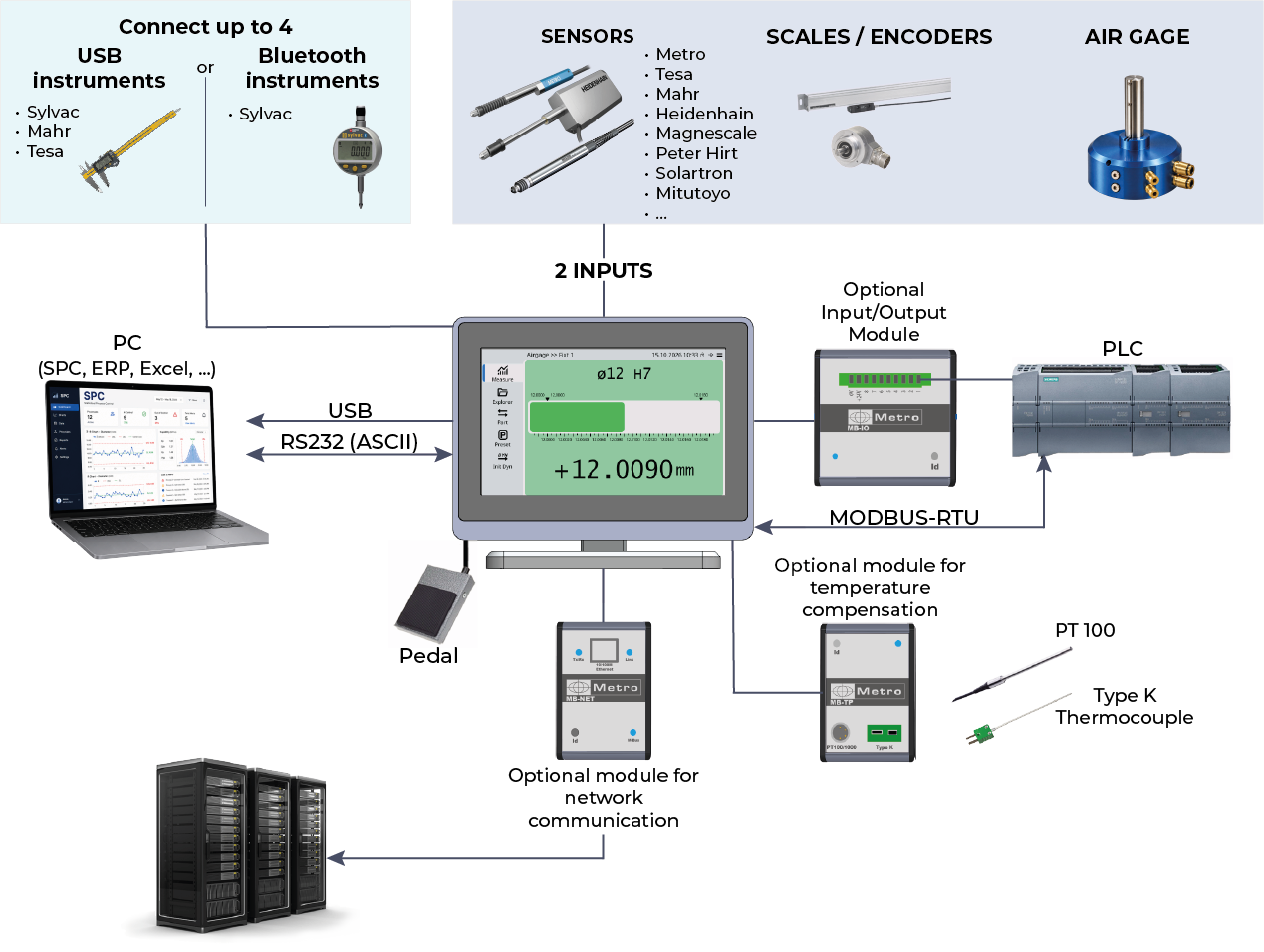
The M5 comes in several versions, each dedicated to one brand of inductive probes: Metro, Tesa, Mahr, Marposs (LVDT) and Peter Hirt. It is also compatible with the Orbit® network.
In addition to probes, the M5 can connect up to 4 portable instruments: Sylvac, Mahr and Tesa USB instruments, or Sylvac Bluetooth instruments via a USB dongle.
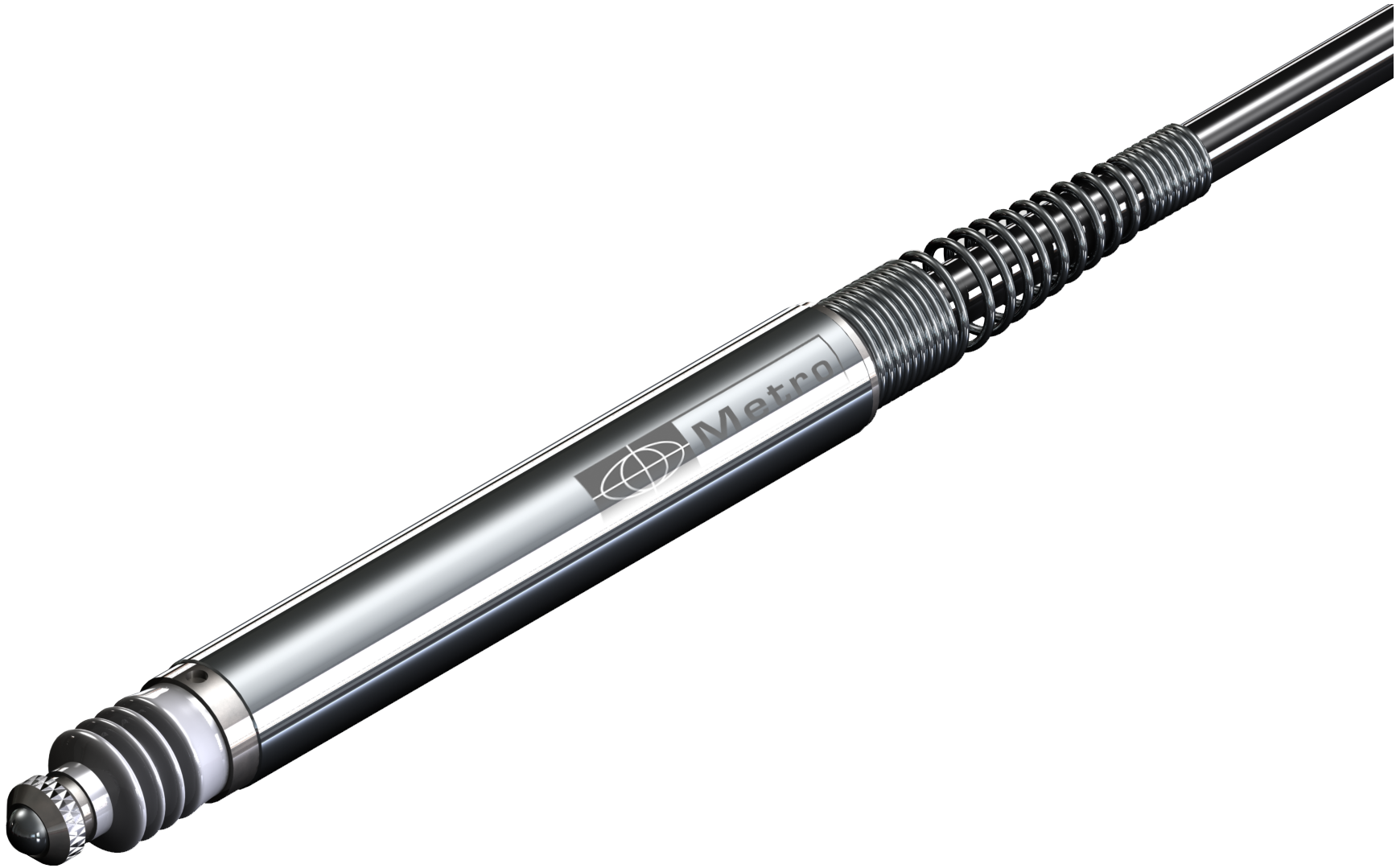
The M5 manages up to 10 programs in memory, sorting into 16 configurable classes, and mathematical functions (calculations between characteristics, trigonometry). Temperature compensation is available via the external MB-TP module. Administrator password protection and a fully customizable interface ensure simple, secure operation. The M5 is also compatible with barcode and QR code readers, for data entry or screen configuration.
The M5 offers three ways to retrieve measurements, with no software or driver installation required:
- Automatic transfer: the M5 automatically detects each measurement. As soon as the value stabilizes, it sends it straight to the computer, with no foot pedal or button needed. The operator simply places the part, and the measurement is recorded automatically in Excel or in the SPC software. It’s faster, more reliable, and no measurement is missed.
- Keyboard emulation: when connected to a PC via the USB-C port, the M5 is detected as a standard USB keyboard. Measurements are typed wherever the cursor is positioned. This is ideal for R&R studies in Excel.
- Export to USB drive: measurements are saved as a CSV file, for processing in Excel or any other software.
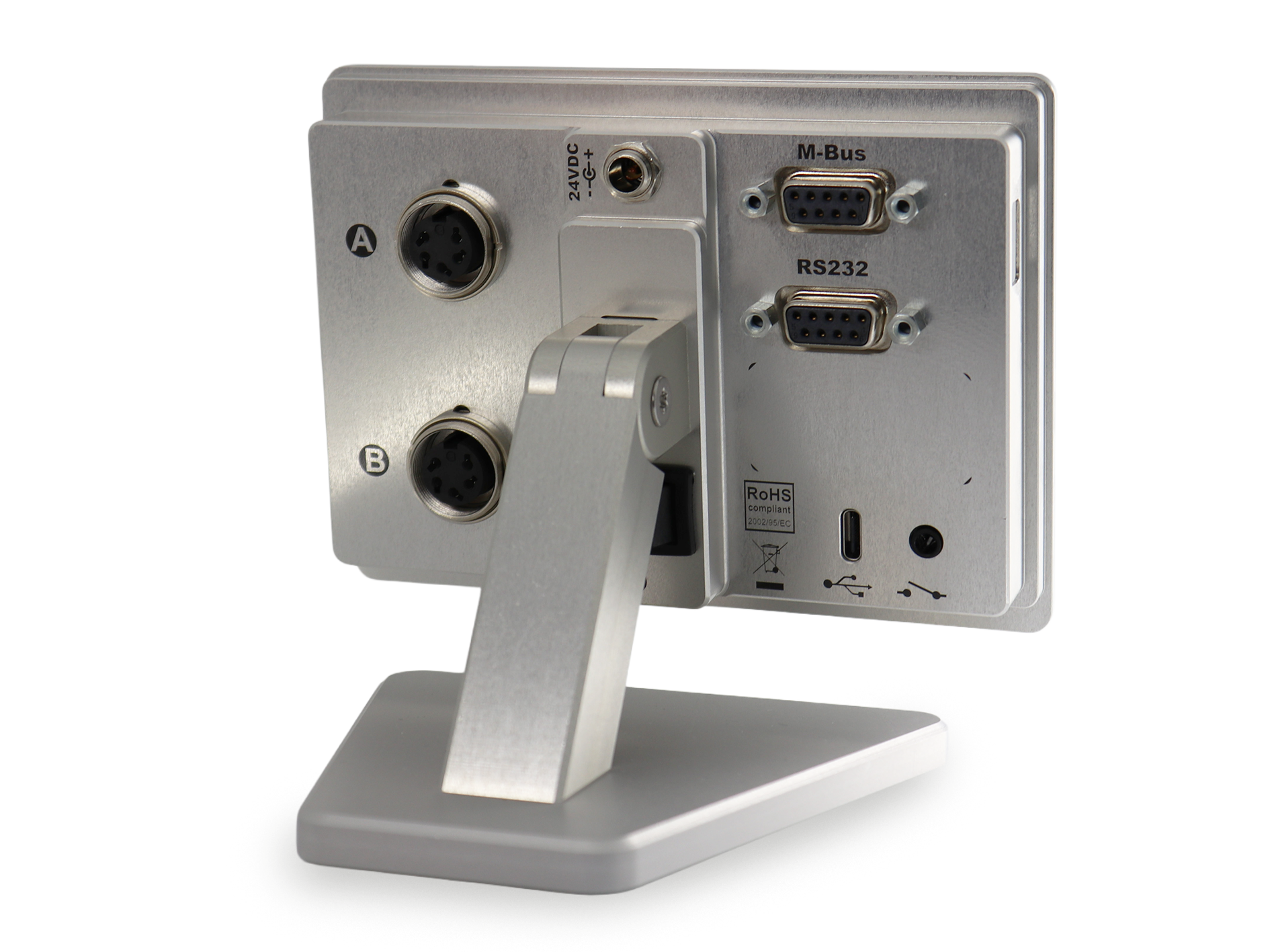
The version for inductive probes features 2 round sensor connectors (A and B), allowing direct connection of 2 inductive probes. It also includes the 24VDC power supply, the M-Bus port for module extension, the USB-A port (USB drive, QR code reader), the RS232 port (ASCII or Modbus RTU), the foot pedal input, and the USB-C port.
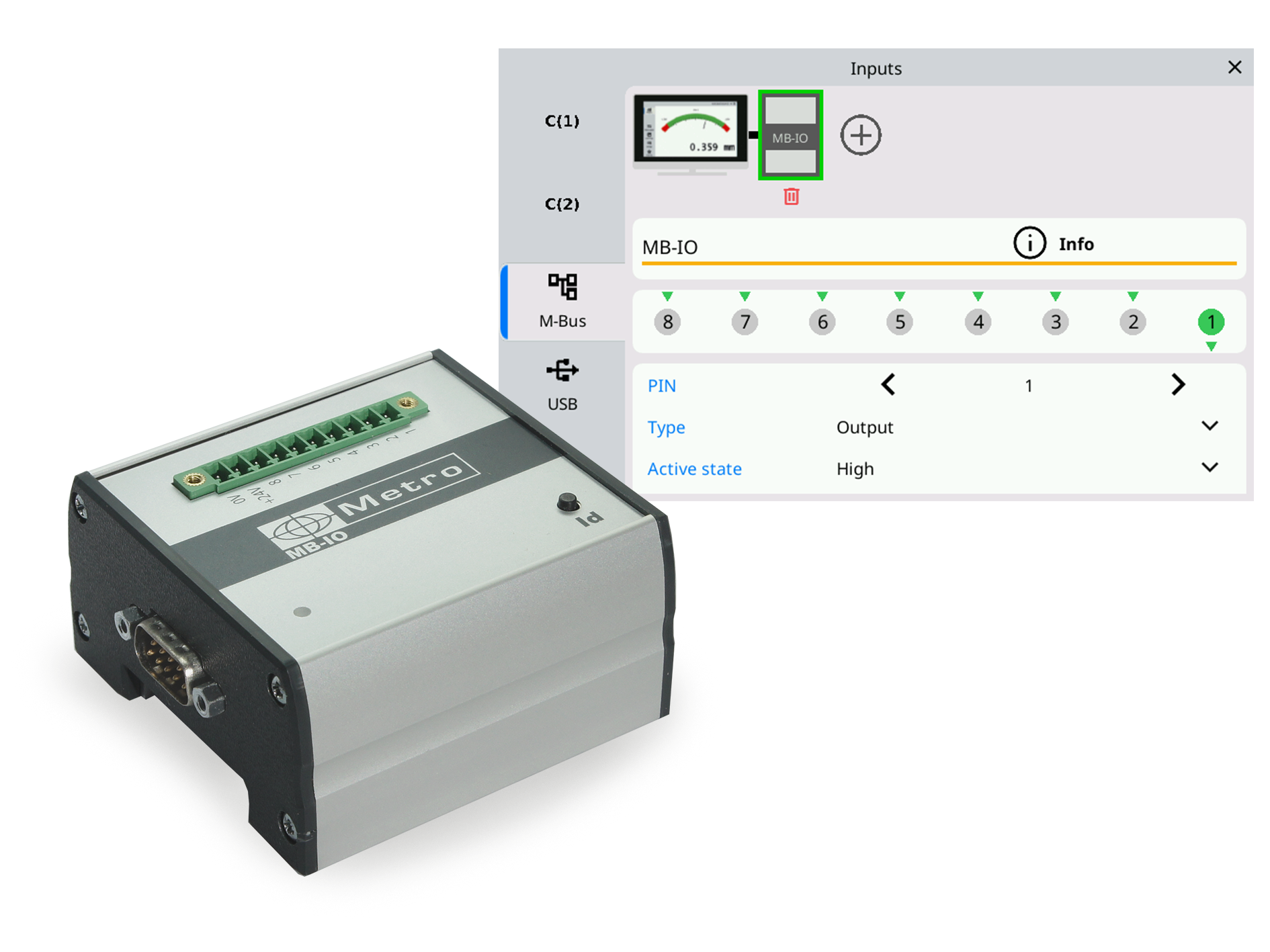
Up to 4 MB-IO modules can be connected, providing up to 32 optocoupled inputs/outputs. A graphical interface makes it easy to assign a function to each terminal and test the wiring:
- Good/bad part output
- Calibration input
- Dynamic measurement start input, class output (1 to 16)
- And more...
Particularly useful for automating a sorting or 100% inspection station.
The M5 communicates with a PLC (programmable logic controller) via Modbus RTU, in addition to the RS232 port (ASCII, QDAS-compatible) for dialogue with a PC (SPC, ERP, Excel...). Combined with MB-IO modules, it integrates easily into a production line, such as when retrofitting a station equipped with dial indicators for 100% inspection with full traceability.
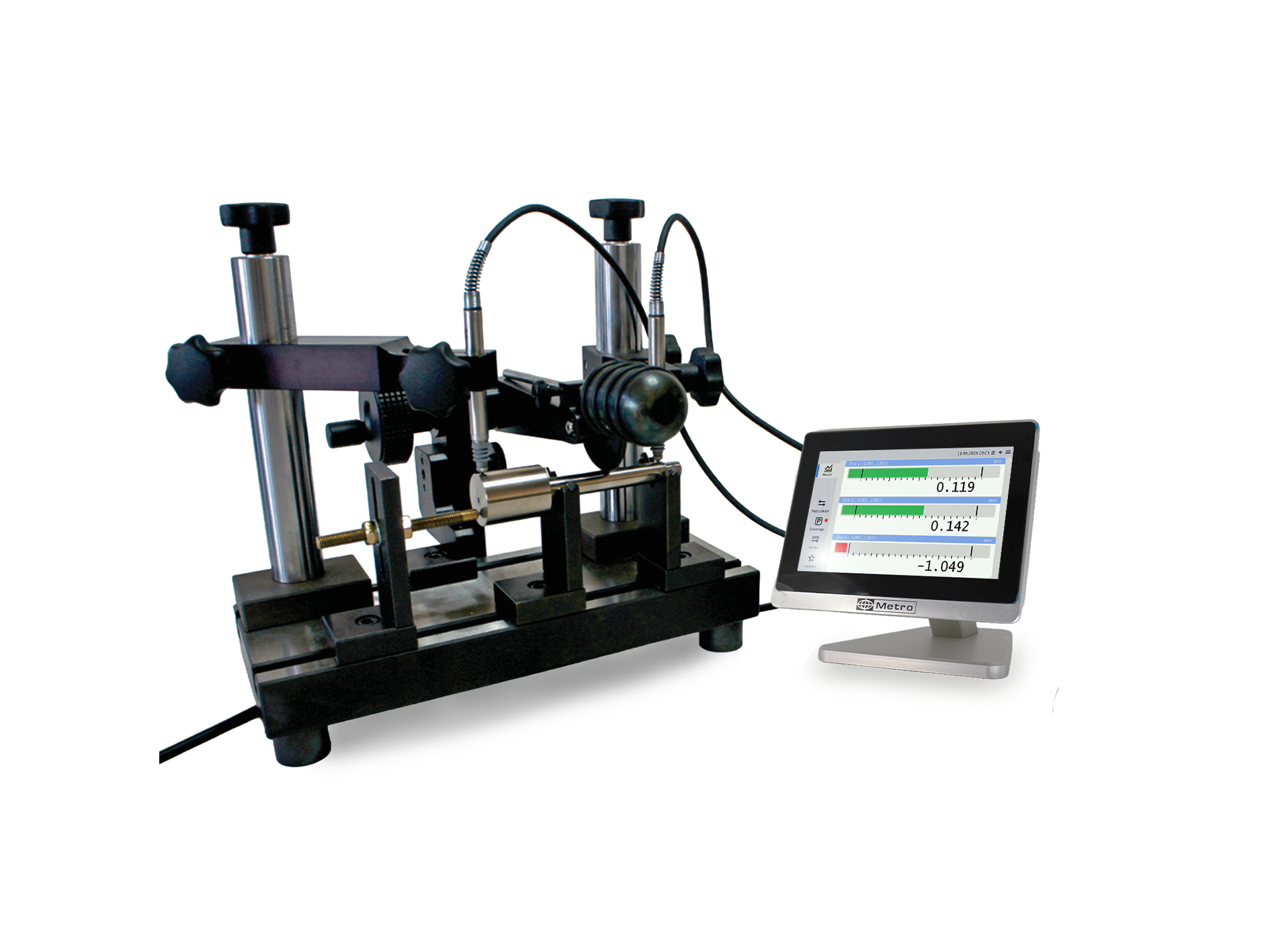
Retrofit of an assembly equipped with needle comparators on a 100% sorting station: Max-Min measurement on 2 points on a cylindrical part placed on a V-shaped support. Start of the measurement with a pedal. Gain for the customer: Increased accuracy (tenth of micron), instant reading of the 2 ribs without risk of error on the dial indicator needles, traceability of the measurement thanks to the transmission of the measurement to central SPC software. Significant time saving on this control station.
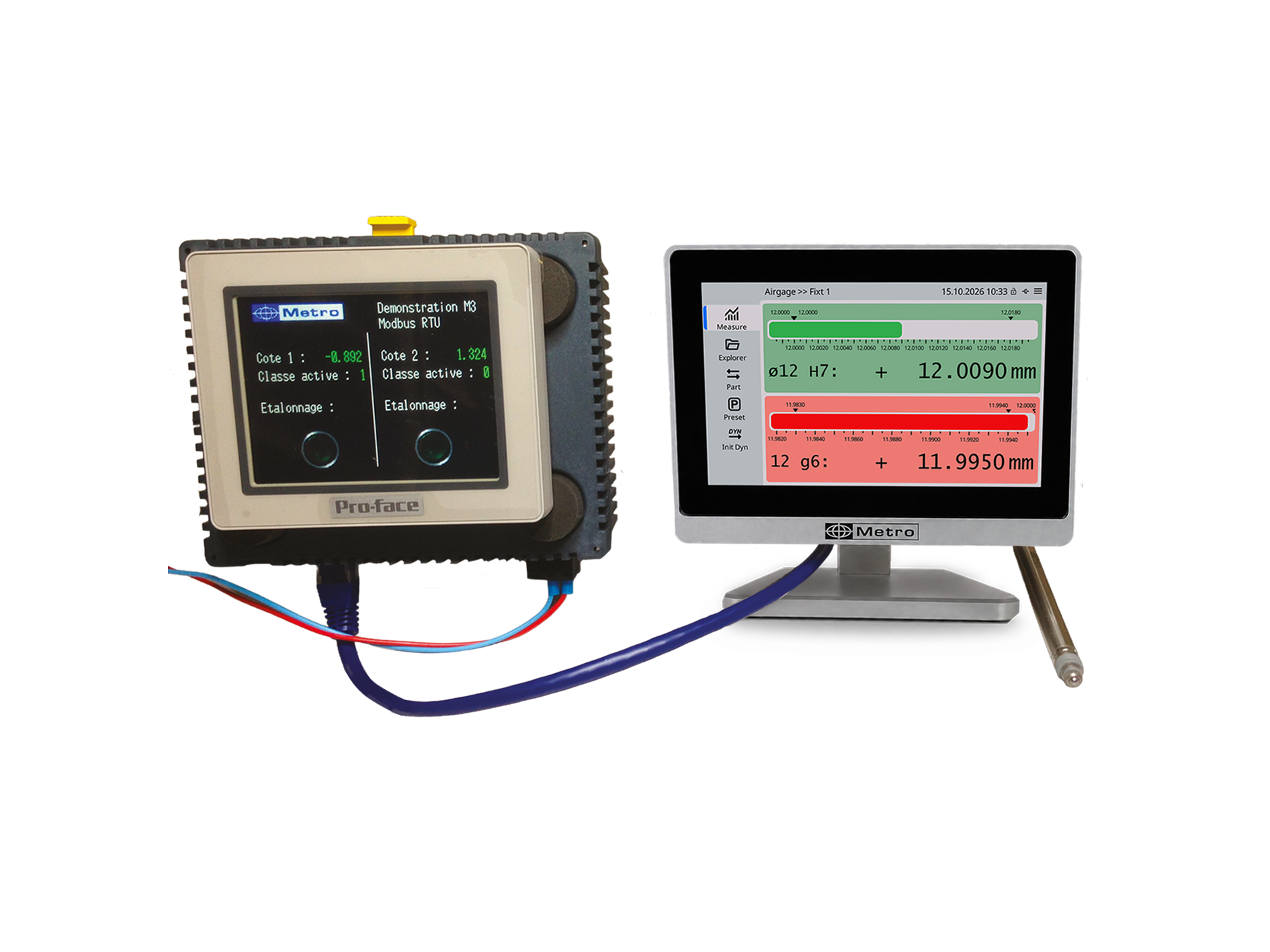
Communication between a Pro-face PLC and an M5 with the Modbus-RTU protocol. The Pro-face HMI has been programmed with different buttons and indicators to control the M3 and retrieve information. This example can be downloaded from this link.
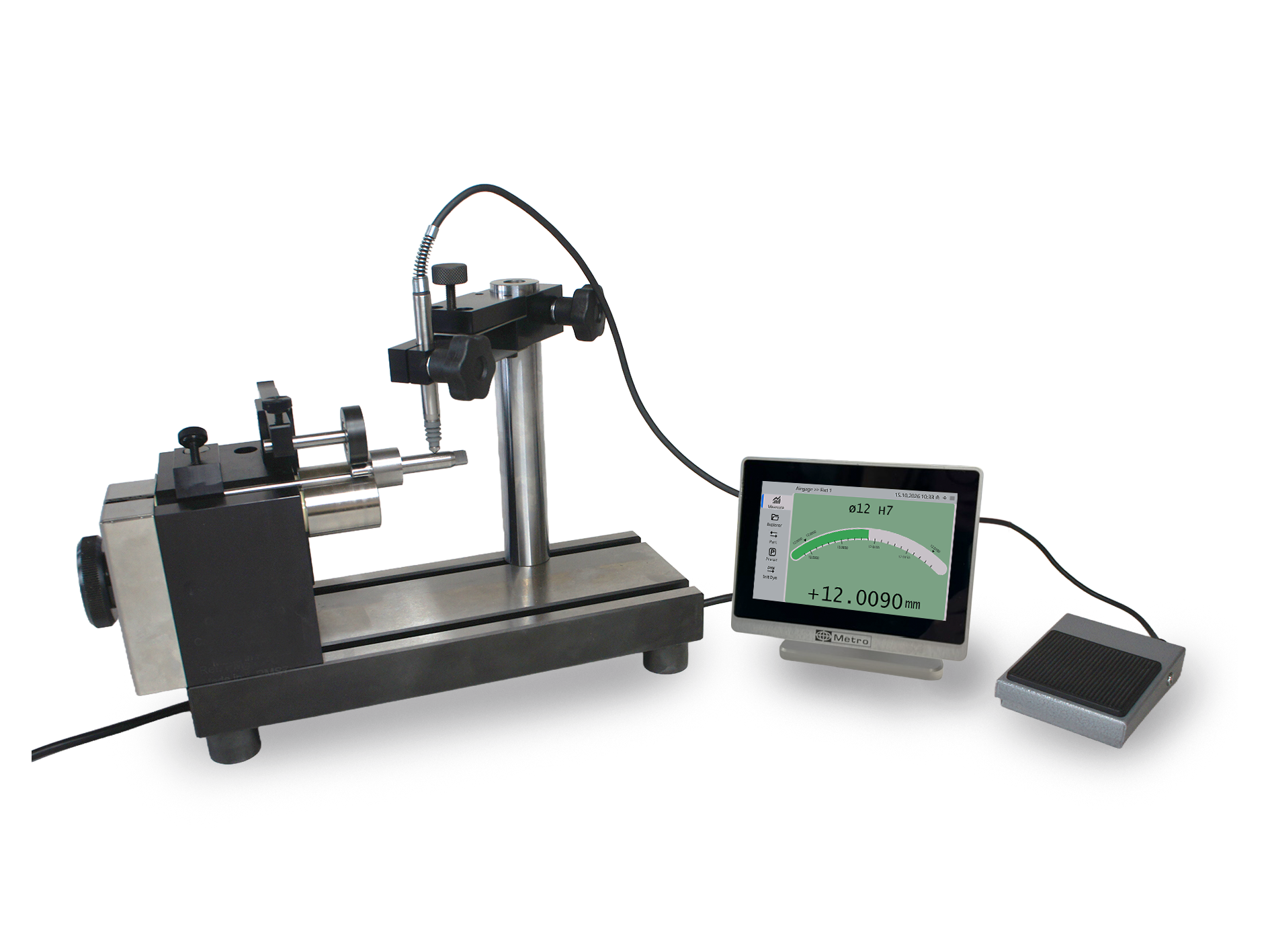
Concentricity measurement using an inductive sensor
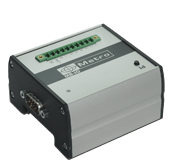
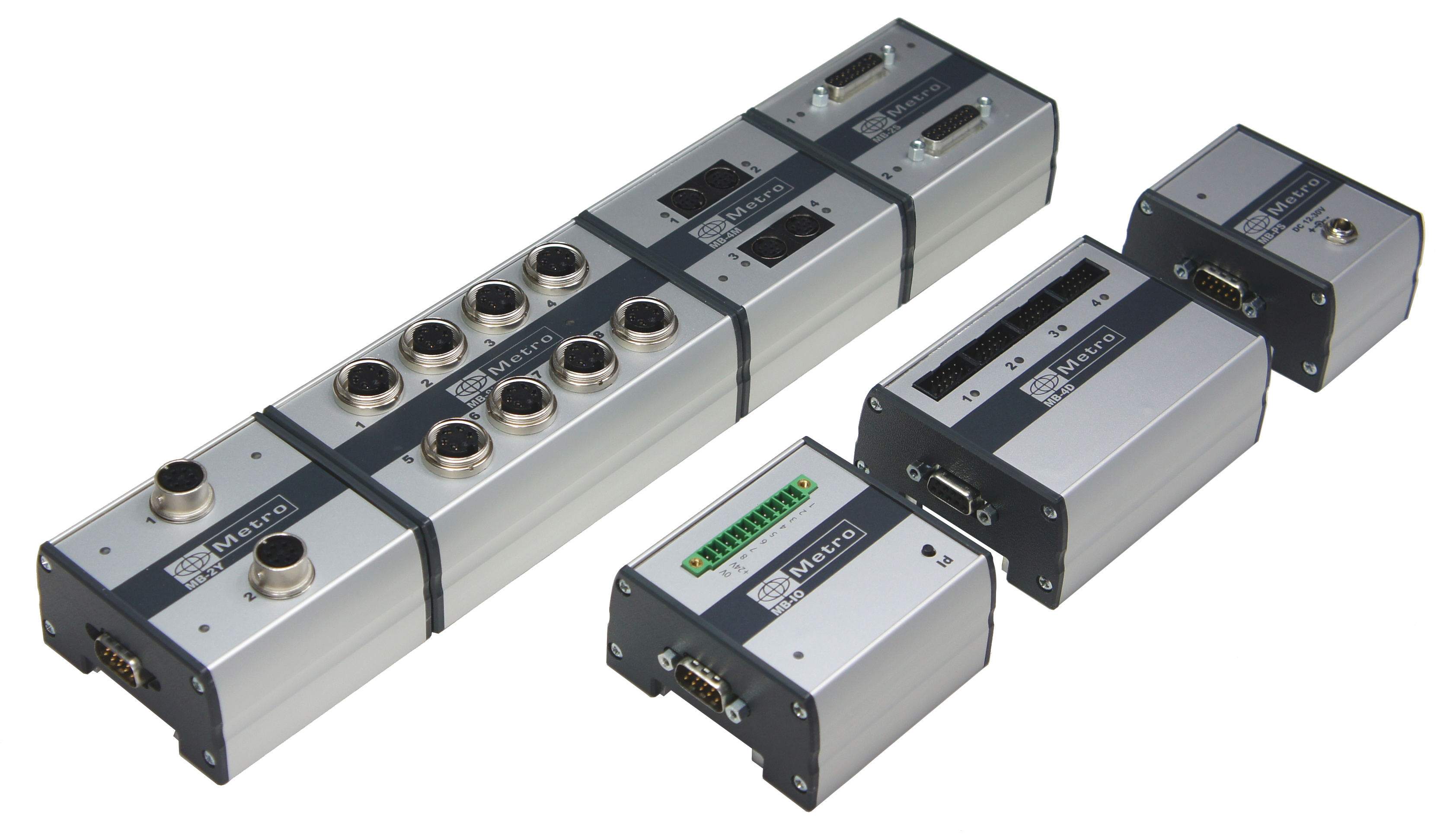
The MB-IO M-Bus box has 8 optocoupled inputs/outputs for additional functionality, e.g. output of good or bad parts, calibration input etc. The M-Bus units are presented in an aluminum profile that can be mounted on a standard DIN rail. More details on this page: M-BUS
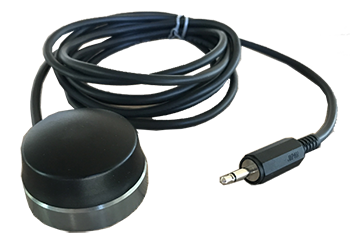
This robust and ergonomic button is made on a machined aluminum base.
It advantageously replaces the pedal when it is used on a table.
Compatible with all Metro products: Displays and multiplexers.
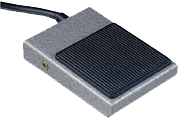
This sturdy pedal can be configured in different ways: calibration, measurement transmission, start of dynamic measurement etc...
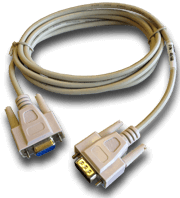
This cable is used to connect the M2/M3 to a computer.
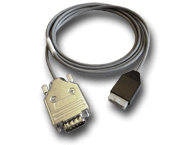
This cable is used to connect the M2/M3 to a Metro Mux multiplexer
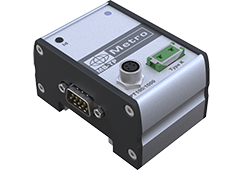
The MB-TP module is used to read a type K thermocouple or a PT100 probe and use it on a Metro display to create an alarm on a temperature variation or to perform temperature compensation of the measurement.